Photos and video · iPhone / iPad

TestFlight beta review pending · 1.0 (2)

Work with photos
and video on device.

The current TestFlight build includes six on-device media tools, home screen features, and optional AI using a service and API key that you provide. Screenshot delivery is in development and not included in Beta 1.0 (2).

iOS 17 and later iPhone and iPad App interface: Simplified Chinese

Tools / widgets / creation

Everyday image steps, gathered in one place.

Read the support guide and privacy policy for details and data flows.

01

On-device photo and video tools

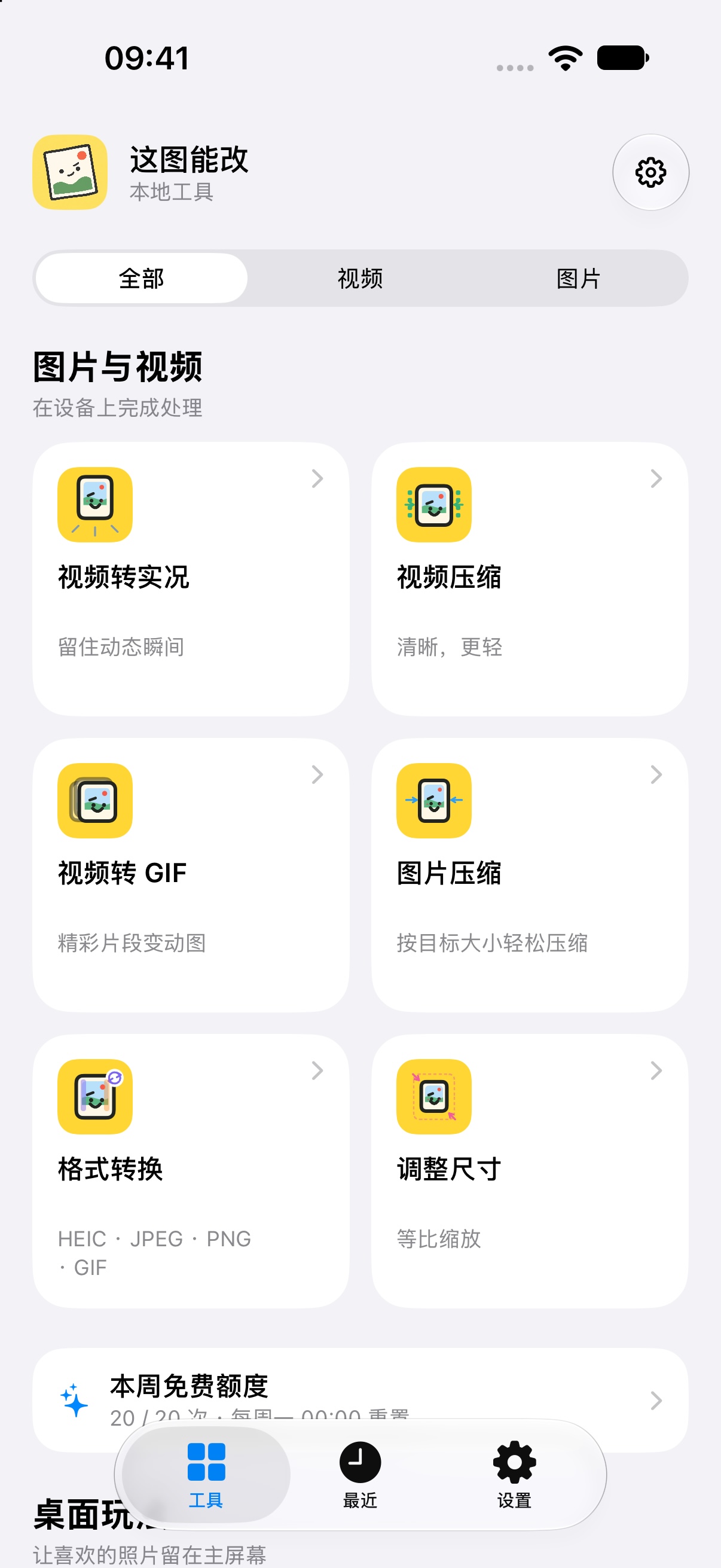
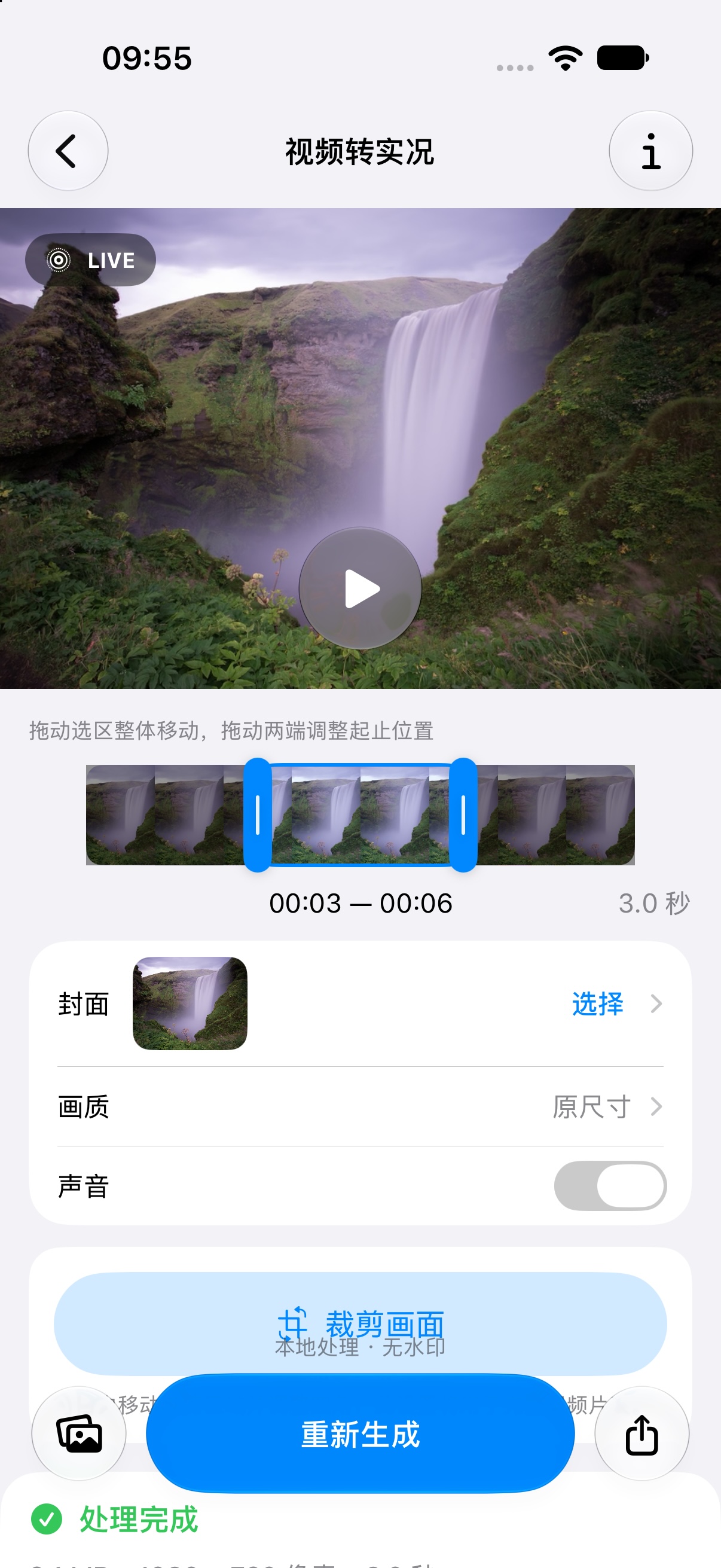
Make a Live Photo from video, compress video, create a GIF from video, compress images, convert formats, and resize images. Ordinary image and video processing happens on the device. See how to turn an iPhone video into a Live Photo.

02

Screenshot delivery · In development

Not included in the current TestFlight 1.0 (2) beta. The feature is in development; its workflow is described in the screenshot-delivery guide.

03

Photo and game widgets

Choose photos for the home screen or add a photo puzzle, lights game, maze, or matching game. Photos and game progress stay in the device’s shared app storage.

04

AI with a service you configure

Image generation and image editing have separate entry points. You configure the provider, protocol, model, Base URL, and your own API key. On a first submission for a service configuration, the app shows the receiving host and content for confirmation; changing the address, protocol, or mode requires confirmation again. The provider’s charges are separate from the app’s local-processing allowance.

Continue reading

Guides for common image tasks.

Each guide covers the steps, available options, and limits without promising that every source file will meet a target.

Product interface

A look at the interface.

The screenshots show the tool home screen and video-to-Live-Photo interface for reference only. TestFlight 1.0 (2) is awaiting Apple Beta Review; screens may differ from the final build.

Before you begin

Know where your data goes.

Local processing and optional AI requests follow different data paths. AI providers may handle prompts, images, and account information under their own policies.

Read the app privacy policy Support Contact support