
Video processing
How to compress a 4K video on iPhone
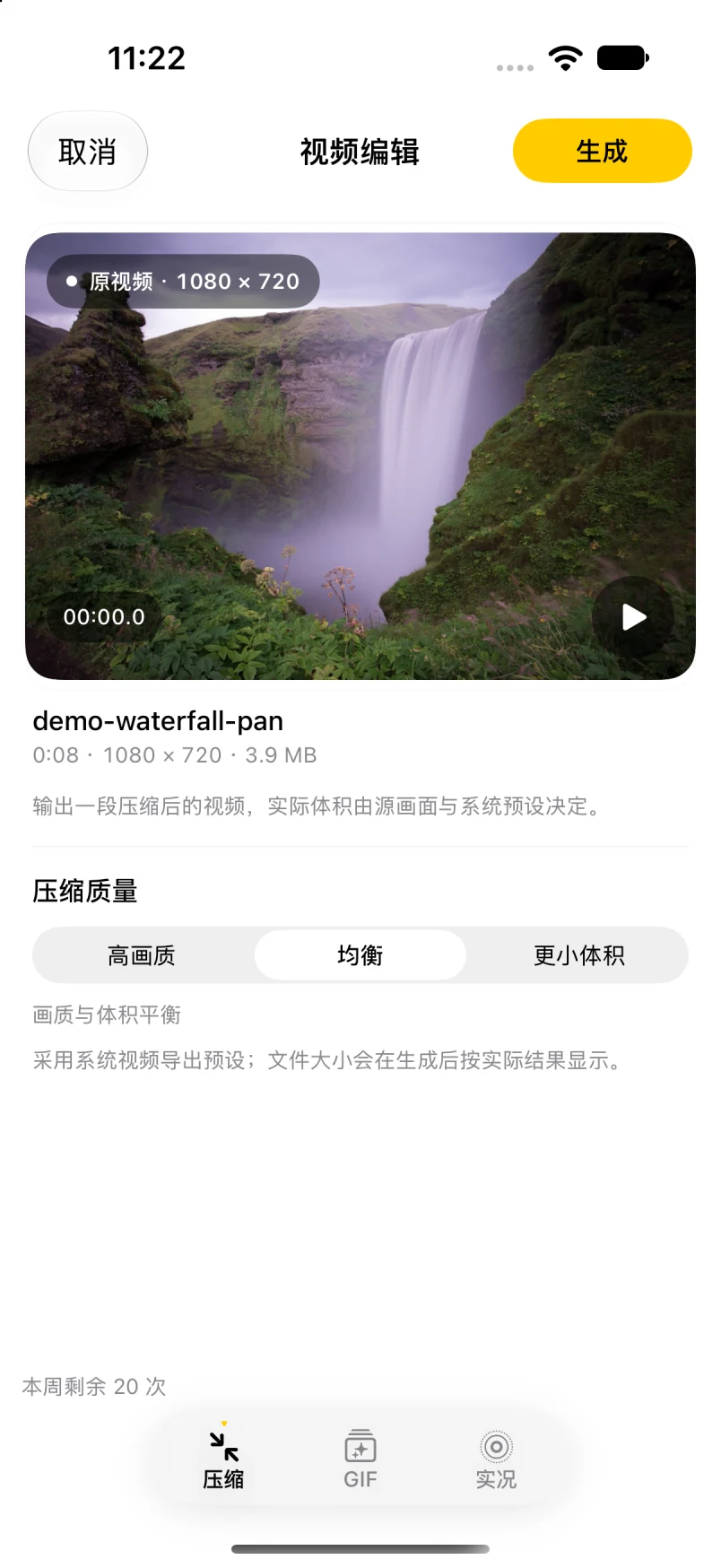
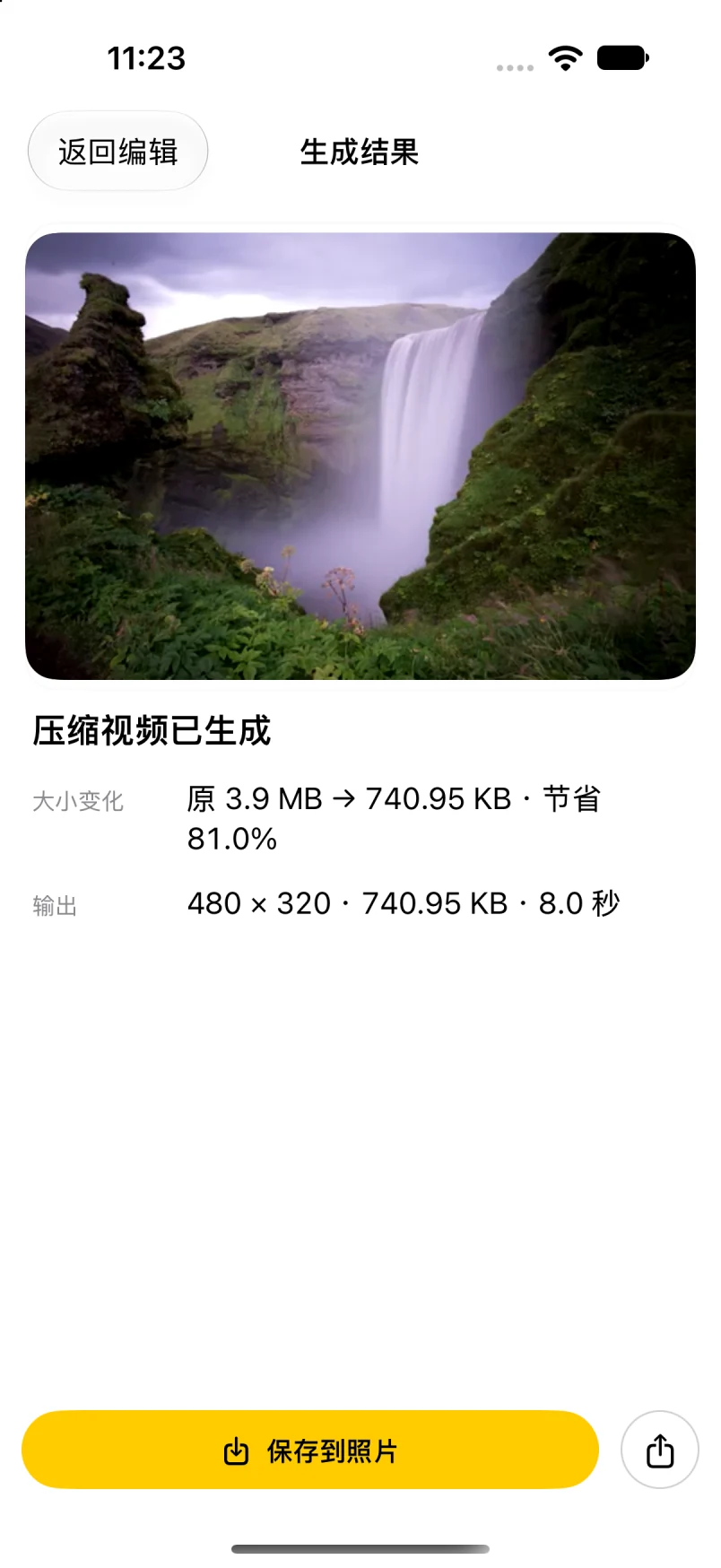
A 4K clip can be too large for a message or upload. If the iPhone can read the file, import it in Workbench (“工作台”), choose Photo or Video (“照片或视频”), then select Compress (“压缩”) in the editor’s bottom mode bar. Pick a quality preset, preview the result, and check its actual dimensions and file size before saving. The reduction depends on the source and preset; the original stays unchanged.
Steps
- In Workbench (“工作台”), choose Photo or Video (“选择照片或视频”) and import the video. In the video editor’s bottom mode bar, select Compress (“压缩”).
- Choose High Quality (“高画质”), Balanced (“均衡”), or Smaller Size (“更小体积”), then read the in-app note. These are system export presets, not manual resolution or bitrate controls.
- Generate, play the preview, and check the actual file size on the result screen.
- If it is still too large, try a lower setting. To compress only part of the video, trim it in the Photos app first, then import it for compression.
- Save to the photo library or share. The original video is not changed.
FAQ
Will quality drop?
It can. The selected system preset and source affect the result; preview it and check the actual output before deciding.
Can I compress a 4K video on iPhone?
You can try any video the iPhone’s picker can read: import it in Workbench (“工作台”), select Compress (“压缩”), choose a quality preset, then review the preview and actual file size. The reduction depends on the source and preset; no output size is guaranteed.
Is the video uploaded?
No. Video compression runs on the device and nothing is uploaded to the developer's servers.
I only need a few seconds. Anything better?
For a short moment, a GIF or Live Photo may fit better; see video to GIF and video to Live Photo.
What does it cost?
The free tier gives 20 successful on-device uses per week, reset Monday 00:00 local time; importing, previewing, failures, and cancellations do not count. The lifetime unlock is a one-time purchase planned at CNY 1, not a subscription. Version 1.2 (5) is available through public TestFlight testing; it is not on the App Store yet. The final price is whatever the App Store shows.
See the product overview and support page. For images, see the image compression guide.